A laptop stops working on a Tuesday morning, and the answer to what happens next depends entirely on an arrangement made months earlier and rarely thought about since. Most households have something: files in a sync folder, a drive in a drawer, or a subscription that runs quietly in the background. What they usually do not have is a clear idea of which failure that arrangement addresses, and the three common options protect against three genuinely different things with only partial overlap between them.
Sync Is Not a Backup and Was Never Meant to Be
A sync service keeps a folder identical across several devices and a server, which is enormously useful and is a different function from backup. The defining property is that changes propagate, so a file deleted on a laptop is deleted everywhere within seconds, and a file encrypted by something malicious is faithfully synchronized in its encrypted state. The mechanism that makes sync valuable is precisely the mechanism that makes it fail as protection against anything except hardware loss.
Most services do keep previous versions and a recoverable deleted items area, which softens this considerably and is worth knowing how to use before it is needed. The limits are the ones to check: how far back versions go, whether that window differs between paid and free tiers, and whether it covers a folder deleted wholesale rather than a single file. Sync handles a lost or broken device very well, which is the most common failure, and it is not an answer to the other two.
The External Drive, Which Handles the Common Failure
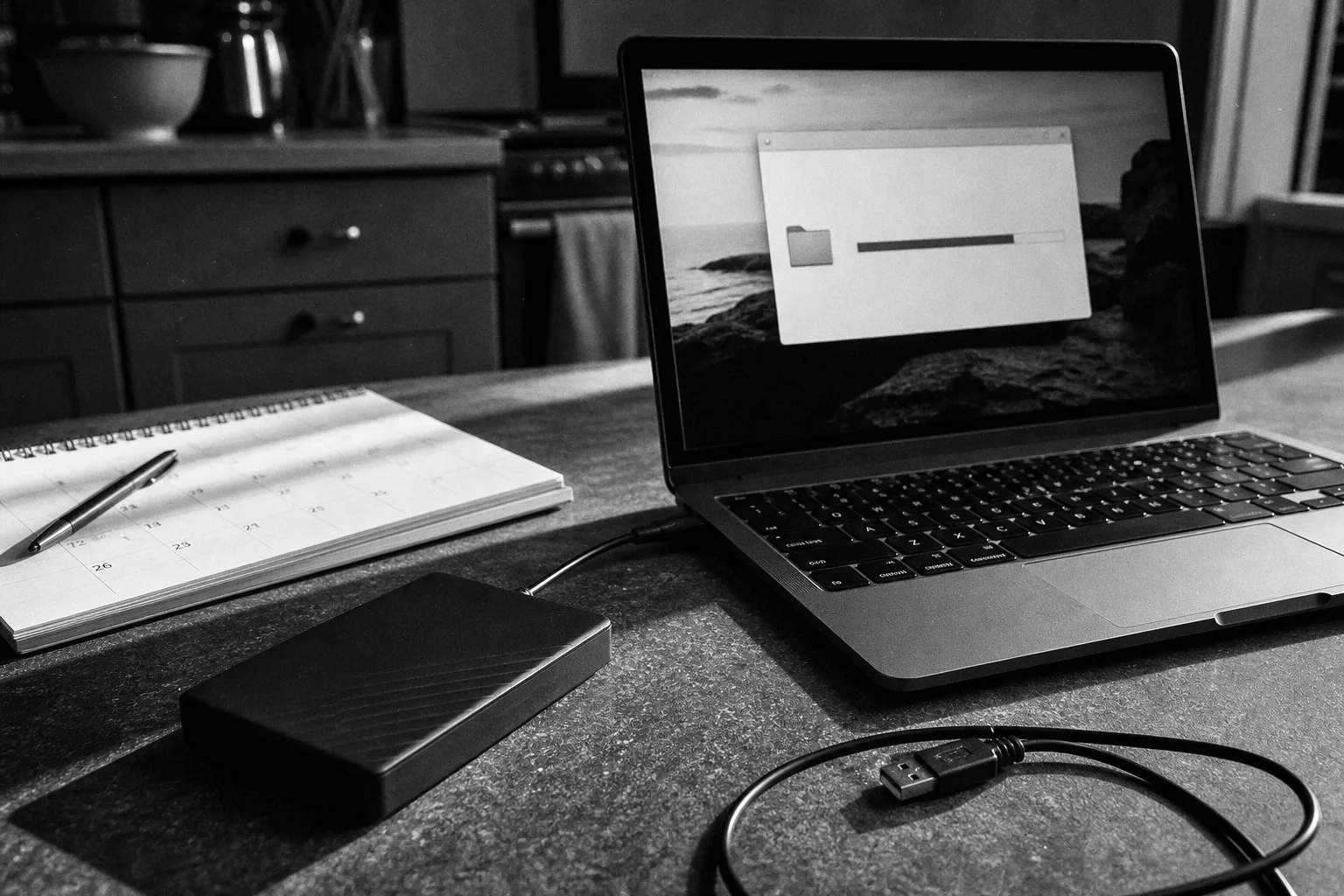
A local backup to an attached drive is fast, cheap, and the right tool for the most likely event, which is a disk failing or a machine being replaced. Restoring from one takes hours rather than days, entire systems can be recovered rather than just documents, and there is no ongoing cost after the drive is bought. For a household with a large photograph collection, local is the only arrangement that restores in a sensible amount of time.
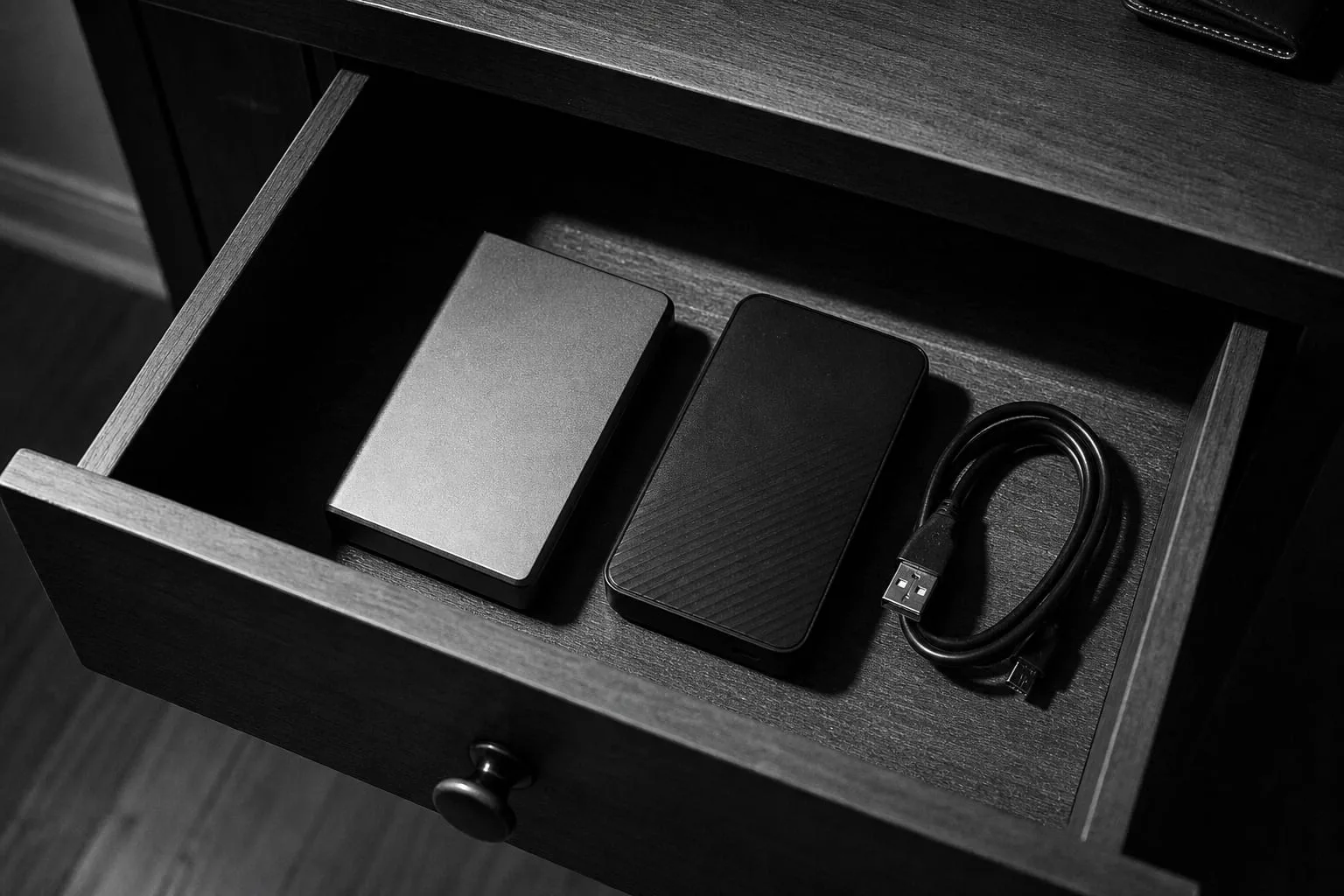
The weaknesses are physical and behavioral. A drive permanently attached to the machine it protects is exposed to the same power event, the same theft, and the same malicious software, since anything that can write to a connected volume will. A drive kept in a drawer and connected occasionally solves that and introduces the other problem, which is that occasionally becomes rarely and then stops. Both failure modes are well documented and both are fixable by keeping two drives and rotating them.
The Off-Site Copy, Which Handles the Rare One
An off-site backup exists for the events that destroy everything in one building at once: fire, flood, and burglary. Those are unlikely in any given year and they are the only scenarios in which the other two arrangements both fail simultaneously, which is why the off-site copy is the one that turns a set of precautions into an actual plan. It can be a cloud backup service, which is the usual answer, or a drive kept somewhere else and swapped periodically.
The cost is restore time and, for cloud services, a subscription. Recovering several hundred gigabytes over a domestic connection is measured in days, which is acceptable for photographs and unacceptable for a business that has to invoice on Friday. This is why the off-site copy is generally the second layer rather than the only one: it is the insurance against the rare event, while the local copy handles the ordinary Tuesday when a disk dies.
What Each One Fails to Save You From
Laid alongside each other the gaps are clear. Sync does not protect against deletion, corruption or encryption, because it propagates all three. A local drive does not protect against anything that affects the whole building, and depending on how it is connected may not protect against malicious software either. An off-site copy protects against everything and delivers slowly, and it usually protects only what was configured, which is where scope errors accumulate quietly over years.
The failure none of them address on their own is time depth. A file corrupted or encrypted six weeks ago will have been copied faithfully by every arrangement running since, so the question is whether any of them retains a version from before that point. Retention settings are the least examined part of any backup arrangement and the one most likely to determine whether a bad month is recoverable, which makes them worth checking once rather than assuming.
Scope is the other gap common to all three and it widens without anybody doing anything. Backups get configured once, against the places data lived at that moment, and data moves: a new machine, an application that stores things somewhere different, a working folder created on a desktop because it was convenient that week. Photographs are the usual casualty, since phones now hold most of them and phone backup is a separate arrangement from computer backup in almost every household. Checking once a year what is actually included, rather than what was included when it was set up, catches nearly all of this.
The Arrangement Most Households Should Run
The conventional answer, which is conventional because it works, asks for a file to exist in three places, held on at least two unlike technologies, with one of those places nowhere near the house. In practice for a household that means the working files on the machine, an automated local backup to an attached drive, and a cloud backup running quietly underneath. Sync sits alongside all of that as a convenience rather than as one of the three, since it is not independent of the original.
What makes the arrangement real rather than theoretical is the same thing that makes any of it real, which is having taken a file out of it at least once. A laptop that stops working on a Tuesday is a bad morning if the arrangement was tested and a bad fortnight if it was not, and the difference between those two outcomes was decided on some ordinary evening months earlier by somebody who spent an hour proving that the thing they had set up actually worked.