A decade ago, backing up a household's files was a chore you performed. You plugged in a drive on a Sunday, waited, unplugged it, and put it in a drawer. The failure mode was obvious: you forgot. Today the copying mostly happens without you, which removes the forgetting and replaces it with something harder to notice. You no longer know whether it worked, because nothing asks you.
That is the real change. Not the price, not the capacity. The feedback loop.
What an ordinary week used to look like, and what it looks like now
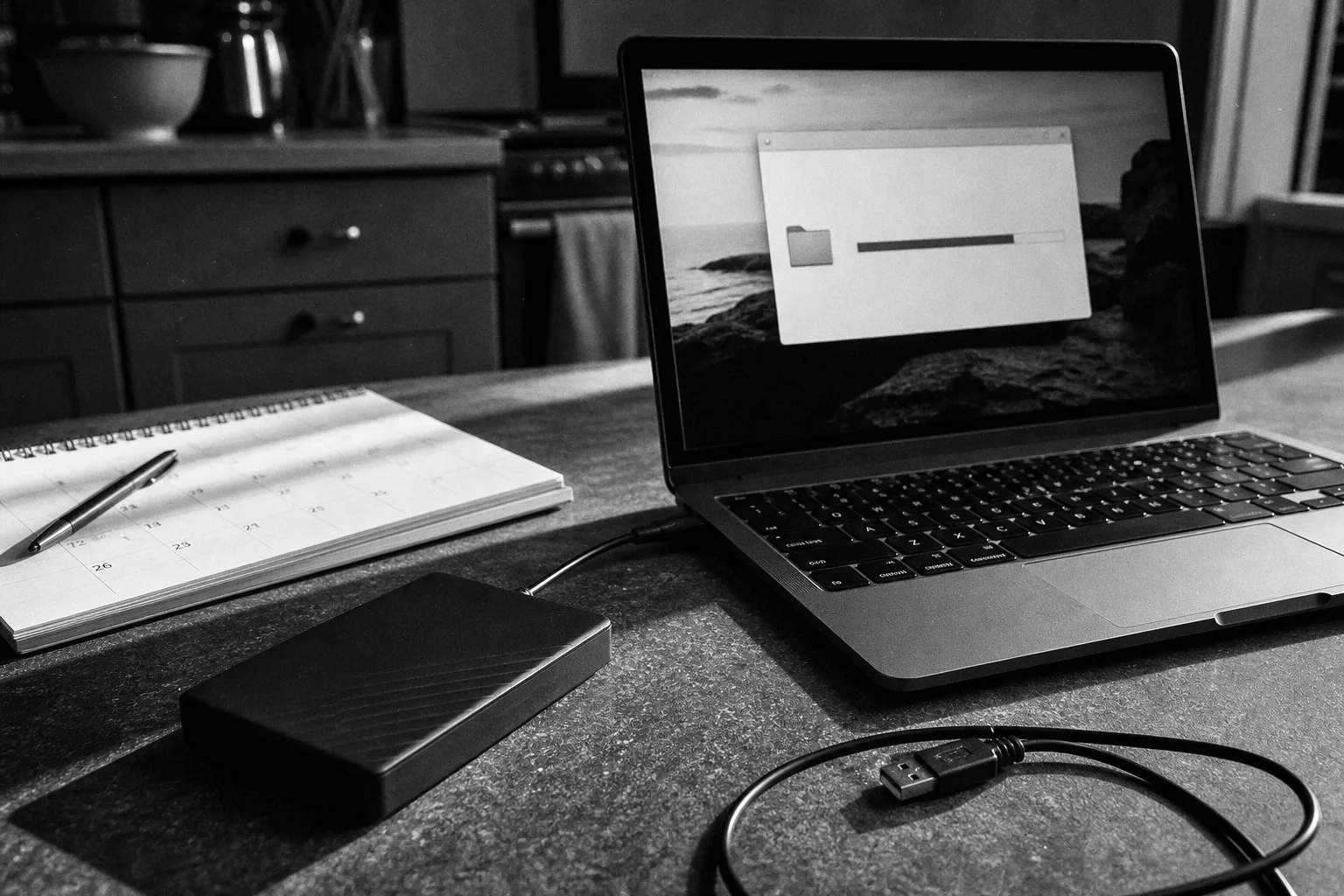
The old week had a visible event in it. A drive spun up, a progress bar crawled, and at some point you either saw it finish or you didn't. Attention was required, which meant attention was occasionally paid.
The current week has no event. Photos leave the phone over Wi-Fi at some hour you have never identified. A documents folder mirrors itself to a server. A laptop runs its built-in backup to a drive you left plugged in eighteen months ago, or stopped running it in March and put a small notification in a corner you don't look at.
Ask most households when their last successful backup completed and you will get a shrug or a guess. The guess is usually optimistic. I can't tell you what share of home backups are silently broken, because nobody counts households the way they count businesses, and anyone quoting you a precise percentage for that is making it up. What I can say is that in the cases I have seen go wrong, the break predates the discovery by months, not days.
The four options, and what each one is actually good at
The choice ten years ago was essentially drive or no drive. Now there are four shapes, and they do not substitute for each other as neatly as the marketing suggests.
| Option | Protects against | Does not protect against | Typical household cost |
|---|---|---|---|
| External drive, manual or scheduled | Drive failure, bad upgrade, accidental deletion | Fire, theft, flood, ransomware if left connected | One-time hardware purchase, no recurring fee |
| Cloud sync (the folder that mirrors) | Losing one device | Deletion and corruption, which propagate | Often bundled with an existing subscription |
| Paid backup service with version history | Most of the above, including deletion you notice late | Nothing, if you never test the restore | Monthly or annual per computer or per household |
| Second drive kept offsite or offline | Site loss and ransomware | Anything created since you last rotated it | Hardware, plus the discipline to swap it |
Prices move enough by provider, storage tier, and promotion that quoting a figure here would be worse than useless by the time you read it. The shape to expect: consumer backup services land in the low tens of dollars a year at the cheap end and run to a few hundred for multi-device plans with long retention. Drives have gotten cheap enough that the second drive is rarely the expensive part of the decision. The expensive part is the week you spend reconstructing records you thought were covered.
Sync is not a backup, and this is the distinction that moved
Ten years ago, almost nobody had automatic offsite copies of their files. Now almost everybody does, and a large number of them believe it is a backup. It is not, and the difference shows up on exactly one kind of day.
Sync makes every copy agree with every other copy. That is the whole point. If a file is deleted, encrypted, or overwritten with a corrupted version on one machine, the service's job is to make that true everywhere, promptly. A backup, by contrast, keeps old states around on purpose. The question to ask your provider is not whether your files are in the cloud. It is how many days of version history you have, and whether deleted items are recoverable after the trash empties.
Thirty days is common. Some tiers offer a year. Some offer whatever happened in the last fifteen minutes and nothing else.
Find out which you have. It takes about five minutes and it determines whether the second half of this article applies to you.
The restore test, and how long to budget for it
A backup is a claim about the future. The only way to check it is to make the future happen on a day you chose.
Twice a year, pick three files: one recent document, one photo from several years back, and one thing that lives in an application rather than a folder, such as a password vault export or accounting data. Restore all three to a new location. Open them. Confirm the contents are what you expected and not a zero-byte placeholder.
Budget thirty to ninety minutes the first time. Most of that is finding the restore interface, which providers do not put on the front page. Subsequent tests run in fifteen or twenty minutes once you know the path. If a full restore of everything would be needed after a hardware loss, the honest estimate is wider: hours over a fast connection, several days over a slow one, and longer if the service meters your download. Ask before you need to know.
The National Institute of Standards and Technology is responsible for the cybersecurity guidance that most organizations build their recovery practices on, and the principle it has long pressed on institutions scales down fine: a recovery capability that has never been exercised is an assumption, not a capability.
What a working setup looks like week to week
Three copies, two kinds of storage, one of them not in the house. That rule predates the cloud and survived it intact. In practice, for most households, it looks like this: files live on the laptop and phone, a paid service copies them offsite with real version history, and a drive in a desk drawer at a relative's house or a safe deposit box catches up every few months.
The week-to-week work is almost nothing. A glance at the backup app's last-completed date when you sit down with coffee. A calendar reminder twice a year for the restore test. A drive swap at Thanksgiving and again around tax season, because those are dates you already remember.
The households that come through a drive failure or a stolen laptop without drama are rarely the ones with the most expensive setup. They are the ones who opened a restored file sometime in the previous six months and watched it work.